 SitePhoto Desk
Bring your photos
Add JPG, PNG or WebP files. Your original images stay untouched; the app prepares copies for the report.
For independent service businesses
Turn your before-and-after photos into a branded PDF report. Add the details, show what changed, and give your client something easy to follow.
No signup or card needed · Desktop Chrome & Edge
From folder to finished report
For the report after the site visit. Use the photos already on your computer—no new capture workflow to learn.
Add JPG, PNG or WebP files. Your original images stay untouched; the app prepares copies for the report.
Choose your before-and-after pairs. Add captions, job details and company branding. Import a caption CSV for larger jobs.
Export the PDF, review it and send it to your client. Save a project file if you want to make changes later.
See what your client receives
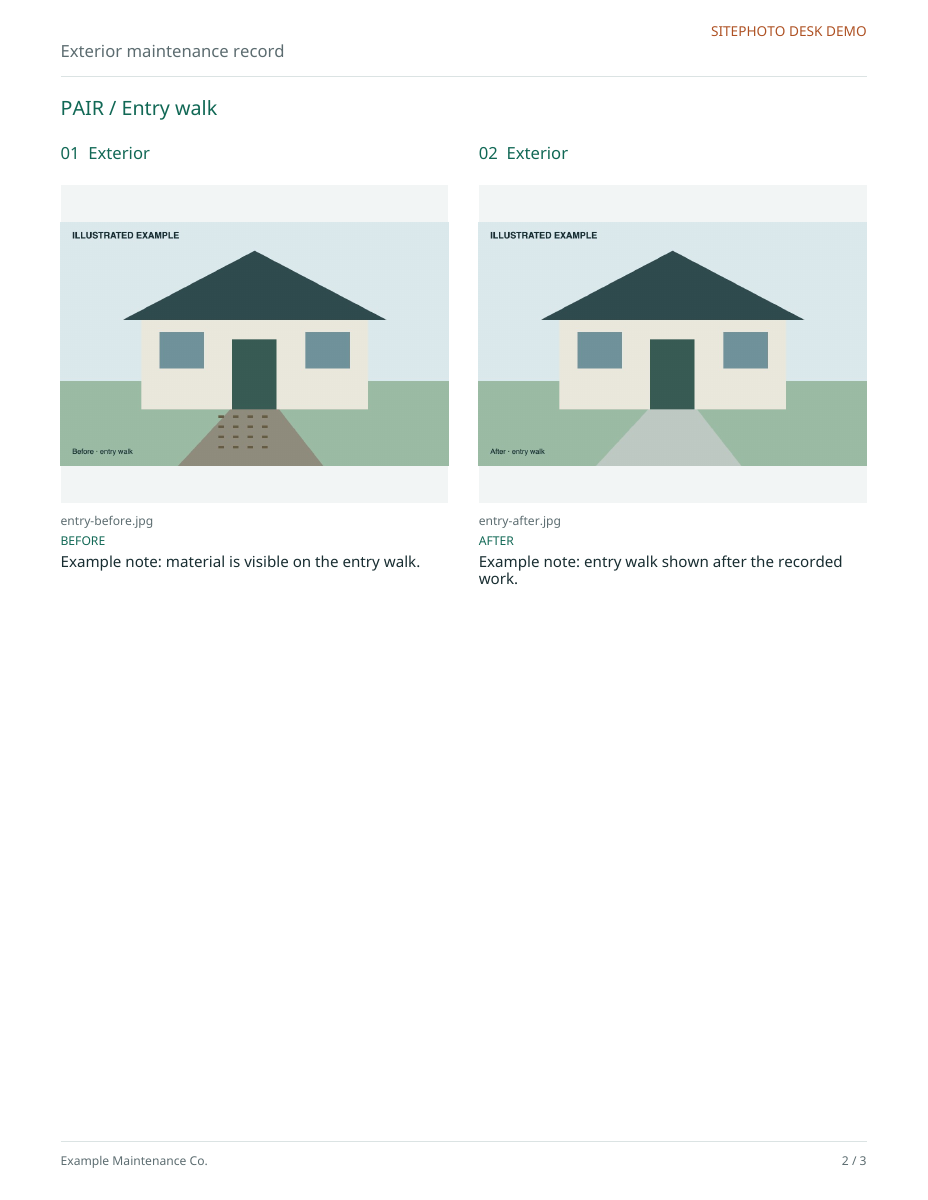
These pages came from the app itself. Open the sample PDF to see the complete layout before you buy.
Built around the handoff
A focused tool for one operator. Assemble the report after your photos are transferred to your computer.
Keep the condition, work notes and finished result together for each area.
Show matched views of a driveway, entry, fence or other work area.
Arrange exported JPEGs and add available camera locations when useful.
One tool. One payment.
Use your own photos in the free demo. Buy when you need larger reports and the same workflow offline.
| Included | Free demo | Full app |
|---|---|---|
| Photos per report | 3 | 100 |
| Branding & paired layouts | Yes | Yes |
| PDF exports | Demo label | No demo label |
| Download for offline use | — | Included |
Mac or Windows · Current desktop Chrome or Edge
JPG, PNG and WebP · File limits & compatibility
SitePhoto Desk · Offline edition
Checkout and instant delivery through Gumroad.
14-day money-back guarantee.
After checkout: download SitePhoto Desk.html and open it in Chrome or Edge. One app file. No installer or ZIP to unpack.
One operator, on your own computers. Version 1.0. Applicable taxes may be added at checkout. Future major upgrades are not included or promised.
Good to know
Clear expectations make for a better purchase.
Read the getting-started guideDownload SitePhoto Desk.html from your Gumroad receipt. Click the file in your browser’s downloads, or open it with desktop Chrome or Edge. Keep the file for future jobs; you can use it without an internet connection.
Yes—transfer the photos to your computer and use JPEG, PNG or WebP. Convert HEIC or RAW files to JPEG first. This is a desktop report tool, not a phone capture app. Try your actual files in the free demo.
Yes. Use Save project before closing, then Open project to continue later. Keep the .sitephoto file and a backup. Your work is not saved automatically.
You choose the images, give them the same pair name and put the before photo first. SitePhoto Desk arranges the report; it does not identify damage or assess the quality of the work.
Try the demo before buying. Refund requests are accepted within 14 days of purchase—reply to your Gumroad receipt or see the refund instructions.
No. It formats the photos and notes you supply. It does not certify inspections, authenticate evidence, provide live team collaboration or store work in the cloud. GPS and timestamps are optional and unverified.
See the report before you commit. The free demo follows the same workflow as the full app.